


automatic checkout

eBilling 2.0
Automatic Billing

Our product will sync your invoices on a daily basis and send them to your customers. After that, it will start sending them payment due notifications and thank-you email notifications when a deposit is received. It also provides a web app where your customers can log in and view your invoice history, with options for paying them by card or bank transfer.

Active Customers
01
Paperless Solution

Now you can forget about paper, printing, signing and sending invoices.

02
03
Late notification

Notify customers by email of late payments on generated invoices.

04
Payment successful

Sending an email thank you notification after a successful payment.

How automatic billing software works

arrow
01
eBilling_process_icons_1
Pantheon

Invoices are imported directly from the Pantheon database
arrow
02
eBilling_process_icons_2
E-billing 2.0

The system takes care of the imported Invoices and stores them
03
eBilling_process_icons_3
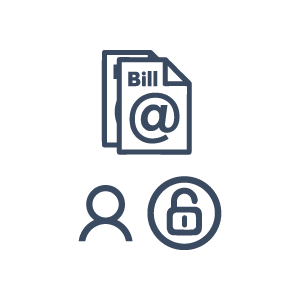
Client

The customer can log in and review the generated invoice
arrow
04
eBilling_process_icons_5
Payment

The customer can make a payment by credit card or bank transfer

arrow
05
eBilling_process_icons_2
E-billing 2.0

The system carries the payment and processes in Pantheon

06
eBilling_process_icons_1
Pantheon

Pantheon receives and processes the Customer Balance Sheet

WhatsAppViber